How to Track Affiliate Link Clicks: Dashboards, UTMs, Pages
Published 5 min read
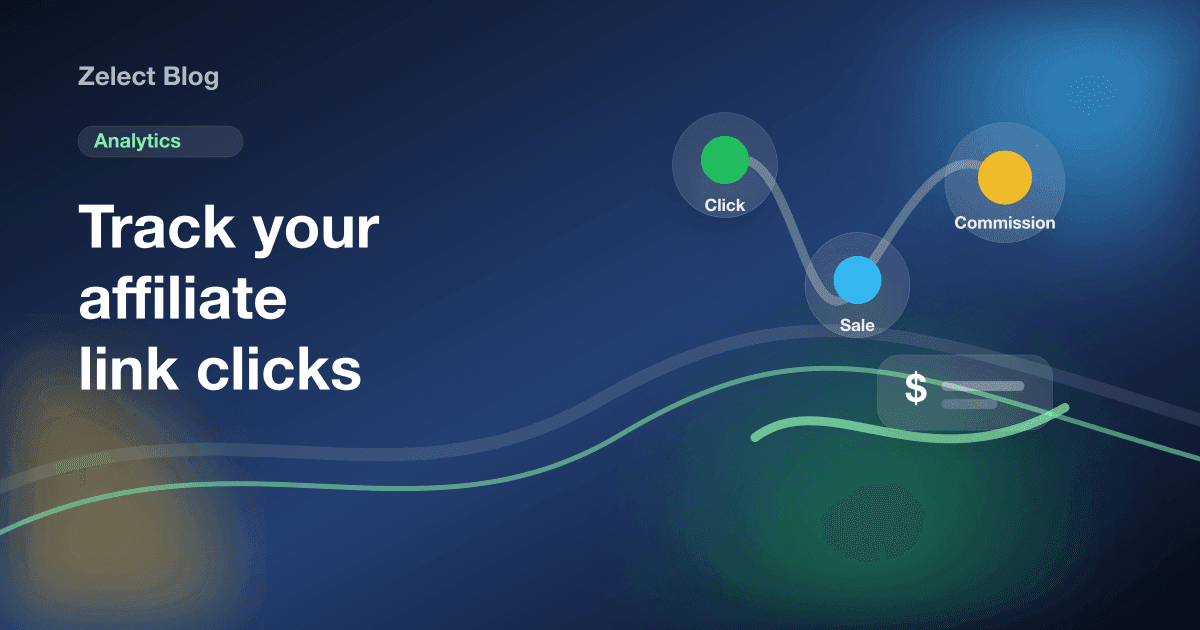
To track affiliate link clicks, use three layers. The affiliate program's dashboard counts clicks and orders per link or tracking ID. UTM parameters show which channel sent people to your own page. Analytics on your link page or storefront show which products people open and which buy buttons they tap. Each layer answers a different question.
Where are affiliate clicks counted?
A single tap can be recorded in several places, and each one counts a little differently. That is why your numbers rarely match.
| Method | What it tells you | Shows sales? | Cost |
|---|---|---|---|
| Affiliate dashboard | Clicks and orders per link or tracking ID | Yes | Free |
| Tracking IDs or Sub_ids | Which post or channel drove the sale | Yes | Free |
| UTM parameters | Which channel sent visitors to your page | No | Free |
| Storefront analytics | Page views, product views, clicks per buy button | No | Depends on the tool |
| Link shortener | Clicks per short link | No | Free tiers vary |
The affiliate dashboard is the only place that sees orders. Everything else measures interest before the purchase. Use the dashboard as the source of truth for money, and the other layers to understand why.
How do you track clicks in the affiliate dashboard?
Every program has a report of clicks and orders. The useful trick is to split your links so the report tells you where each click came from.
Amazon: tracking IDs
Amazon Associates lets you create multiple tracking IDs under one account, up to 100. Make one per channel, such as "yourname-tiktok" and "yourname-youtube". Then build each link with the right ID, and the earnings report splits clicks and orders by ID.
Keep it simple. Five well-named IDs you use beat thirty you forget about.
Shopee: Sub_id
When you generate a Shopee affiliate link, you can add a Sub_id, a short text label. The click and conversion reports let you filter by that label. Use the post or campaign name, like "gift-guide" or "reel-0912".
Other programs
Mercado Livre, AliExpress and most networks have their own reports, and many support some kind of sub-ID or channel label. Look in the link generator for an optional field before you create links in bulk. If you are still choosing, our comparison of affiliate programs for creators covers how each one works.
How do UTM parameters help with affiliate clicks?
UTM parameters are tags you add to the end of a URL, like ?utm_source=tiktok&utm_medium=bio. Analytics tools read them to tell you which channel sent the visit. Google's URL builder guide lists the standard ones, starting with source and medium.
Here is the catch. UTMs report to whoever owns the page the link opens. If you add them to an Amazon or Shopee product link, the data goes to the store's analytics, not yours. Use the program's tracking IDs or Sub_ids for those.
UTMs are useful on links to your own pages. If you have a blog or a site with Google Analytics, tag the link in each bio and campaign differently, then compare channels there. Values are case sensitive, so pick a naming rule ("tiktok", lowercase) and stick to it.
If your storefront tool does not report traffic sources, a simple workaround is to send each channel to a different page. For example, link your YouTube descriptions to one category and your TikTok bio to the main page, then compare views per page.
How do you track clicks on your storefront or link page?
Most link-in-bio and storefront tools count taps on their buttons. This is where you see which products get attention, before the store's dashboard tells you which ones sold.
In Zelect, the Ultra plan shows three numbers for the last 30 to 90 days: views per page (category), views per product page, and clicks per buy button. If a product has an "Amazon" and a "Shopee" link, you see clicks for each one separately. That answers questions like "do my followers prefer Shopee for this item?" without guessing.
Zelect counts the tap, then the visitor goes straight to the store through your original affiliate link. Zelect does not see orders or commissions, and it takes no commission from your sales. The Free plan does not include click analytics. See the current plans for what each tier includes.
Good structure makes these numbers easier to read. Our guide on how to organize affiliate products shows how to set up categories that map to your content.
Should you use a link shortener to track clicks?
Shorteners give you a click count per link, which is handy for one-off posts. They also add a redirect between your follower and the store.
Check program rules first. Amazon's Program Policies say you may not cloak or obscure a link in a way that makes it unclear it goes to Amazon. Other programs have their own wording. A shortened link with no visible destination can fall foul of that.
A storefront avoids the problem for your bio. Followers see the product, the price where shown and the store name on the button, so the destination is clear before they tap.
In video descriptions, where you may want one link per product, paste the program's own link. Our guide on promoting affiliate links on YouTube covers how to lay those out.
How do you read your click numbers?
Clicks are a means, not the goal. Look at them next to views and orders.
Example (hypothetical): a product page gets 200 views and 60 button clicks in a month, but the dashboard shows no orders for it. Interest is there, so check the store page. The price may have gone up, the item may be out of stock, or shipping to your followers' country may be slow.
The opposite case is a product with few views. That usually means it is hard to find, not that nobody wants it. Move it into a better category, place it higher on the page, or mention it in a post. Our guide on getting more bio link clicks has more fixes.
Compare periods of the same length, and note what you posted in between. A spike after one video tells you what to make next. The steps for turning followers into buyers take it from there.
Why don't your click numbers match?
Say your storefront shows 60 clicks for a product in one week and the affiliate dashboard shows 48 (hypothetical numbers). That gap is normal.
Tools filter bots differently. Some count every tap, others count unique visitors. A follower who taps twice may count once in one report and twice in another. Ad blockers can stop a page from logging a tap that still reaches the store. Time zones shift late-night clicks into the next day.
Look for trends, not exact matches. If both numbers rise and fall together, your tracking works. A gap that suddenly widens is worth a look, though: it can mean a broken or expired link on one product.
Seasonal pages are a good test. If you publish a gift guide with affiliate links, compare its clicks with the store's orders for the same weeks. To see how tracking fits the bigger picture, start with what an affiliate storefront is and then how to make money with affiliate links.
Frequently asked questions
Can I see who clicked my affiliate link?
No. Affiliate dashboards and storefront analytics show counts, such as clicks per link or per day, not the identity of the people who clicked. That is normal and protects your followers' privacy. You learn what works from patterns across many clicks, not from individual visitors.
Does adding UTM parameters to an Amazon link break my commission?
It usually does not remove your tag, but it gives you nothing either. Parameters on a store's link are read by that store's analytics, which you cannot see. Use the program's own tracking IDs instead, and keep UTMs for links that point to your own pages.
How often should I check my click numbers?
Every one or two weeks is enough for most creators. Daily numbers jump around too much to read. Check after a new video or a seasonal post to see whether it moved clicks, and do a longer review every month against the sales in your affiliate dashboard.
Do I need Google Analytics to track affiliate clicks?
No. The affiliate program's reports and your link page's built-in analytics cover the basics. Google Analytics helps if you run your own website or blog and want to see outbound clicks next to your other traffic, but it takes setup and is not required to start.