How to Promote Affiliate Links on YouTube Without Spamming
Published 5 min read
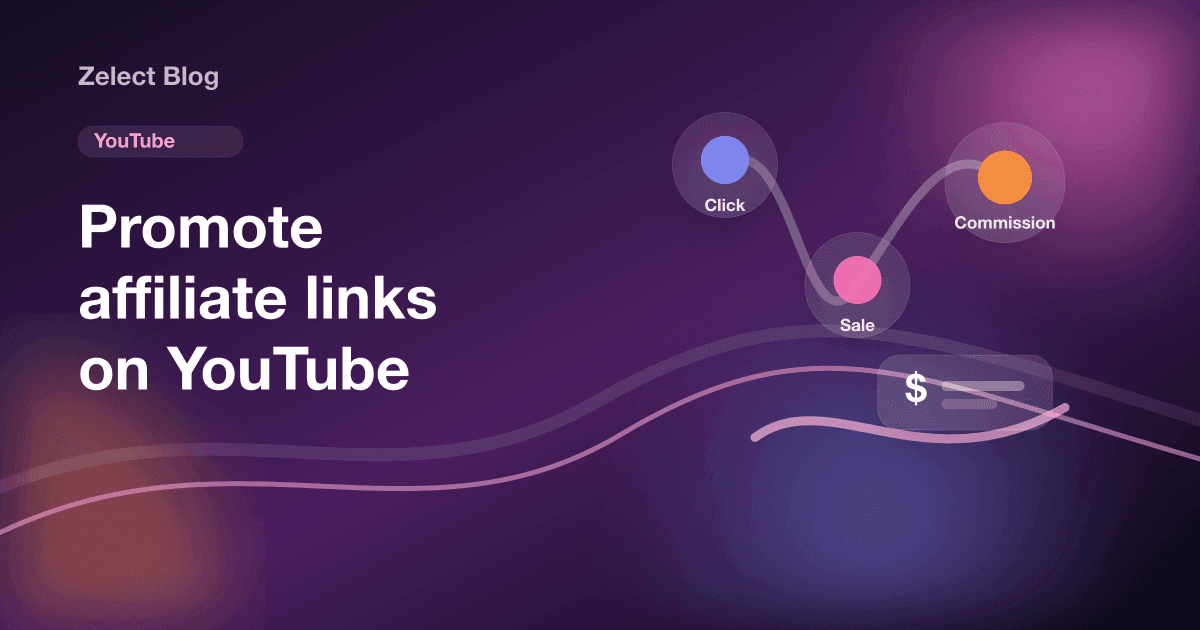
To promote affiliate links on YouTube, put them where YouTube makes them clickable, mainly long-form video descriptions and your channel's links section. Shorts descriptions and comments don't make URLs clickable, so send Shorts viewers to your channel links instead. Disclose the affiliate relationship out loud in the video and in writing.
Where are affiliate links clickable on YouTube?
YouTube's help page on sharing links with your audiences lists which surfaces make external links clickable. The short version for affiliates:
| Placement | Clickable external link? | Notes |
|---|---|---|
| Long-form video description | Yes | Requires advanced features on your channel |
| Comments on long-form videos | Yes | Requires advanced features; pin your own comment |
| Channel profile links | Yes | Up to 14 links on your channel page |
| Posts tab | Yes | External links require advanced features |
| Shorts description and comments | No | YouTube makes these URLs non-clickable to reduce spam |
| YouTube Shopping product tags | Yes | Only for products in the Shopping program |
Two things stand out. First, you need advanced features turned on before description links become clickable. Second, Shorts can't carry a clickable link in the description, which changes how you use them.
What kind of videos work for affiliate links?
Affiliate links do best when the video answers a question someone was already searching. People search YouTube for reviews, and a viewer who typed "best budget webcam" is close to buying.
Formats that fit:
- Single-product reviews. One product, tested on camera, with the honest downsides.
- Comparisons. Two or three products side by side for one use case.
- Setups and routines. "My desk setup" or "what's in my camera bag" videos that naturally show many products.
- Roundups. "Gifts for home cooks" or "kitchen tools I use every day".
Example: a hypothetical tech creator films a review of a microphone. The description lists the mic and the boom arm shown in the video, each with one line on why. Both links are tied to things the viewer just watched.
Niche matters too. If you're working in electronics, our notes on the tech affiliate niche cover which products tend to get reviewed and compared.
How do you write a description that gets clicks?
Plenty of viewers never expand the description. Put what matters in the first lines.
Step 1: Lead with the disclosure and the main product
Start with one line like "I earn a commission from the links below" and then the main product link. That keeps the disclosure next to the links.
Step 2: List only what appears in the video
Name each product the way you said it on camera, then the link. If you said "the blue lamp", don't write "LED desk light model X200" with no context.
Step 3: Add one link to everything else
For products you don't show in this video, use one link to a page with all your picks. A storefront with categories works well here, since viewers can browse "Audio" or "Lighting" instead of scrolling a long description. This is covered in more detail in our guide to organizing affiliate products.
Step 4: Pin a comment
Pin a comment with the main link and the product name. On long-form videos it stays clickable and visible above other comments.
How do you promote affiliate links in YouTube Shorts?
Since Shorts description and comment URLs aren't clickable, a Short can't send a viewer straight to an affiliate link that way. Use the Short to get attention and point people to a place that is clickable.
What works:
- Say where the product is: "It's in the Audio section of the link on my channel."
- Use YouTube's related video link in Shorts to send viewers to the full review, where the description link is clickable.
- Keep your channel links current, since that's where Shorts viewers end up.
YouTube lets your channel page show up to 14 links. One of them should be a page that holds all your products, organized so a Shorts viewer finds the one they just saw. That's the job an affiliate storefront does, with each product on its own page.
What about the YouTube Shopping affiliate program?
YouTube runs its own affiliate program, where you tag products inside your content. YouTube's Shopping affiliate program page lists the requirements. Your channel must be in the YouTube Partner Program, meet the subscriber threshold and be based in an eligible country. Made-for-kids and music channels are excluded. In March 2026, YouTube expanded access to YPP creators with at least 500 subscribers.
| YouTube Shopping affiliate | External affiliate links | |
|---|---|---|
| Where links work | Product tags inside YouTube | Descriptions, comments, channel links |
| Works in Shorts | Yes, through product tags | Not in description or comments |
| Can be shared off YouTube | No, against YouTube's Terms | Depends on each program's rules |
| Who qualifies | YPP, eligible countries | Depends on the program |
The program comes with a firm rule. YouTube says sending traffic from non-YouTube sources to merchants through your YouTube affiliate links is against its Terms of Service. Keep those links on YouTube, and use the store's own program, like those in our list of affiliate programs for creators, for links you post elsewhere.
How do you disclose affiliate links on YouTube?
The FTC's Disclosures 101 is direct about video. The disclosure should be in the video itself, not only in the description, and viewers are more likely to notice it in both audio and on screen.
A simple setup:
- Say it early: "Links below are affiliate links, I earn a commission if you buy."
- Show the same line on screen for a few seconds.
- Repeat it in the first line of the description.
If a brand paid you or gave you the product, YouTube asks you to turn on paid promotion in the video details. YouTube also says you and your partners are responsible for meeting legal requirements.
Programs add their own rules. Amazon, for example, says social media Associates must have its Associate disclosure statement associated with their account. YouTube's external links policy confirms affiliate content is allowed, but warns that excessive affiliate posting in dedicated accounts can count as spam.
How do you know which links are working?
Your affiliate dashboard shows orders. It usually doesn't show which video or which spot sent the click. That gap makes it hard to know whether the description, the pinned comment or the channel link is doing the work.
Two habits help. Use separate tracking IDs per video if your program offers them, and track clicks on your storefront per product. Here's a full guide on tracking affiliate link clicks.
On the Ultra plan, Zelect shows link clicks per product, so you can see which items your YouTube viewers tap. It takes no commission, and the plans are on the pricing page. Because storefront pages are static HTML with a sitemap, search engines can index them, which our post on affiliate storefront SEO explains.
Next step: pick your last three videos, rewrite the first two lines of each description with a disclosure and the main product, and pin a comment. Then plan the next review around one search query. For seasonal ideas, see how to make a gift guide that works as a video too.
Frequently asked questions
Are affiliate links allowed on YouTube?
Yes. YouTube's external links policy says affiliate content doesn't violate its Terms of Use. It also says that posting affiliate content excessively in dedicated accounts may break its spam policies, so the links should support real videos, not replace them.
Do I need to tick the paid promotion box for affiliate links?
YouTube's paid promotion setting is for branded content, sponsorships and endorsements. YouTube's help page doesn't mention affiliate links specifically, so if a brand paid you or sent the product, use it. For plain affiliate links, rely on a clear spoken and written disclosure either way.
Can I use YouTube Shopping affiliate links on Instagram or my website?
No. YouTube's Shopping affiliate page says routing traffic from non-YouTube sources to merchants through your YouTube affiliate links is against its Terms of Service, and doing it can get your affiliate features suspended. Use each store's own affiliate program for links outside YouTube.
How many affiliate links should I put in one description?
Only the products you actually show in the video. A short list with a one-line reason for each is easier to scan than a wall of links, and it keeps you clear of anything that looks like link spam.