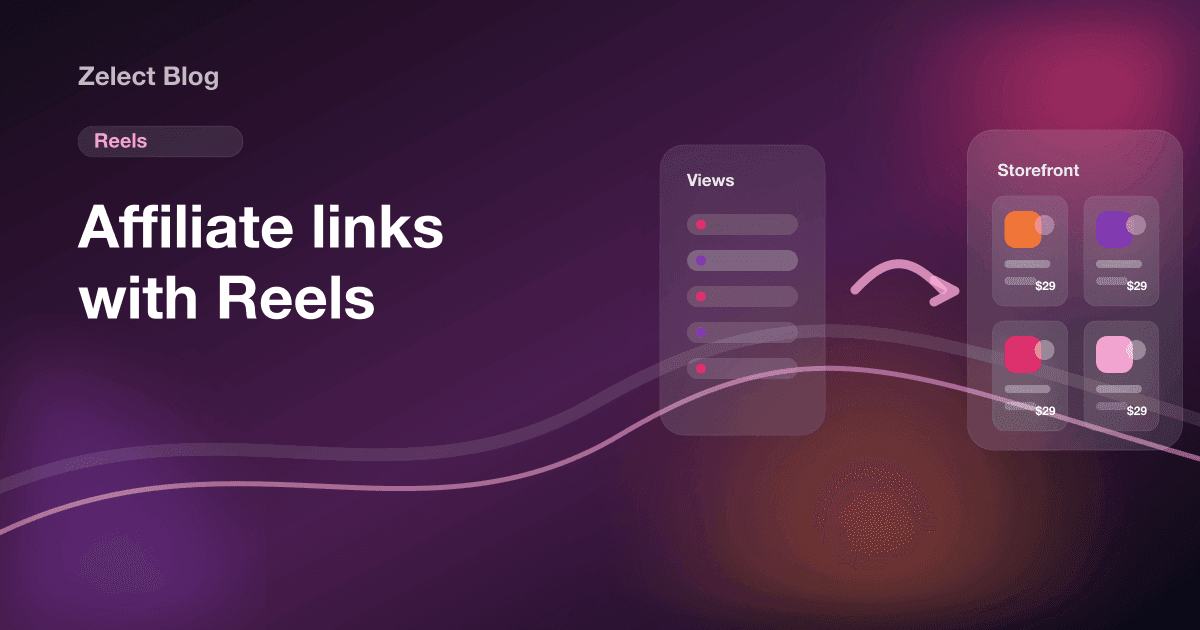
Affiliate Marketing With Reels: From Views to Clicks
Published 4 min read
To do affiliate marketing with Reels, use the video to show one product and send viewers to a link they can tap. Links in Reel captions can't be tapped. So each Reel should show why the product matters, then say where the link is: your bio, a Story link sticker, or a DM they get when they comment a keyword.
The handoff is where sales often get lost. People comment "link?", tap your bio, and land on a list of unlabeled buttons. Below: what to film, how to send viewers to a link, how to disclose, and how to see which Reels earn. Sources, checked in October 2026: Instagram's Help Center and the FTC's Disclosures 101 for Social Media Influencers.
Why do Reels with lots of views make so few sales?
Because a view isn't a click, and a click isn't a purchase. Each step drops people:
- The Reel shows the product, but doesn't say where to get it.
- The bio has a link, but not to that product.
- The page lists everything, so the viewer has to search for what they just saw.
Every extra tap is a chance to give up. If a Reel has plenty of views but only a handful of clicks, look at the path after the video before you blame the video.
What should you film for an affiliate Reel?
Show the product doing its job. The viewer decides in the first seconds whether this is for them, so open with the result or the problem, not with "hi guys".
| Reel format | What you show | Works well for |
|---|---|---|
| Problem and fix | The annoying thing, then the product solving it | Home, kitchen, cleaning, tech accessories |
| Before and after | The same space, skin or outfit, changed | Beauty, home decor, fashion |
| Cheap vs pricier | Two versions side by side, with your verdict | Dupes, gadgets, kitchen tools |
| Honest unboxing | First use and what you'd change | New launches, gifts |
| "Things I'd buy again" | 3 to 5 quick items from one category | Lists that send people to a storefront category |
Two rules keep these honest. Film products you used, and say the downside when there is one. Viewers can tell a real review from an ad, and a "great, but the cable is short" earns more trust than "perfect".
How do you get viewers from a Reel to your affiliate link?
Name the place out loud, on screen and in the caption. Instagram gives you three clickable routes:
- Bio link. Say "it's in the Kitchen section of the link in my bio". Point your bio to a page where that section is easy to find on a phone.
- Story with a link sticker. Post a Story the same day that shows the product and adds a link sticker. Then the Reel can say "link in today's Story". Save it to a Highlight named after the category.
- Comment a keyword, get a DM. Ask people to comment a word like "LAMP". Tools built on Instagram's official messaging API can reply to that comment with a DM that holds the link. Pick one only if you'll keep the replies honest and fast.
Our guide to affiliate marketing on Instagram shows how to set up the bio link and the Story sticker step by step.
What should the caption say?
The caption backs up the video. Keep it short and searchable:
- The product's name, written the way people search for it, so viewers can find it on your page.
- One line on why, in your own words: what you use it for, what you'd change.
- Where the link is, in the same words as the video.
- The disclosure, near the top, before the "more" cut.
Skip pasting a long affiliate URL in the caption. It isn't clickable, and it looks like spam.
How do you disclose affiliate links in Reels?
Say it in the video, not only in the caption. The FTC's guidance for influencers says a disclosure in a video should be in the video itself. A spoken "I earn a commission if you buy through my link" plus a short on-screen text covers it.
Each program can add its own rules. Amazon Associates, for example, requires the line "As an Amazon Associate I earn from qualifying purchases" wherever you share its links. Our affiliate disclosure examples include ready lines for captions, videos and storefronts.
How do you know which Reels make money?
Give each Reel its own way back. Then you can compare clicks per Reel instead of guessing:
- A category per series. "Kitchen finds", "Desk setup", "Under $25": the Reel names the category and its link is unique.
- Tracking IDs. Amazon Associates lets you create tracking IDs; other networks offer sub-IDs. One per series is enough.
- Click counts on your bio page. See which products and categories people tap after a Reel goes out.
Look at clicks per 1,000 views, not total views. A Reel with fewer views and more clicks tells you what your audience buys. Our guide on tracking affiliate link clicks compares the options.
Where does Zelect fit?
Zelect is the storefront tool we build, so weigh this with that in mind. It's the page your Reels point to. Paste a product link from Amazon, Walmart, Target or a brand's site, and Zelect builds a card with the photo, title and price when the page exposes them. Group products into categories, each with its own link, so a Reel can say "Kitchen section" and the viewer lands right there.
The Free plan has 1 storefront with 25 products and 3 categories. Pro is $4.90 a month and Ultra $5.90 a month, with click analytics on Ultra. If you're still choosing a bio tool, see our comparison of the best link in bio for affiliate marketing.
Start a free Zelect storefront and point your next Reel to it. No card needed.
Frequently asked questions
Can you put an affiliate link in an Instagram Reel?
Not as a clickable link. Links typed into a Reel caption or on screen can't be tapped. Point viewers to a place that is clickable: your bio link, a Story with a link sticker, or a DM sent when they comment a keyword.
What kind of Reels work for affiliate marketing?
Reels where the product is doing something: a before and after, a problem it fixes, a side-by-side with the cheaper option, or a quick unboxing with your honest verdict. The viewer should understand why the product matters before they leave the video.
Do I need to disclose affiliate links in Reels?
Yes. In the US the FTC expects video disclosures in the video itself, not only in the caption, so say or show it on screen. Some programs add their own line; Amazon, for example, requires the sentence "As an Amazon Associate I earn from qualifying purchases" where you share its links.
How do I know which Reel made a sale?
Use a different link or category for each Reel, then compare clicks per link. Most affiliate dashboards also let you create tracking IDs or sub-IDs, so each Reel can have its own.
Should a Reel send people to one product or a storefront?
One product per Reel works best, so send people to that product's spot. A storefront category made for the Reel lets you add alternatives, sizes or the cheaper version without changing your bio every day.