Best Link in Bio for Affiliate Marketing: 5 Tools Compared
Updated 6 min read
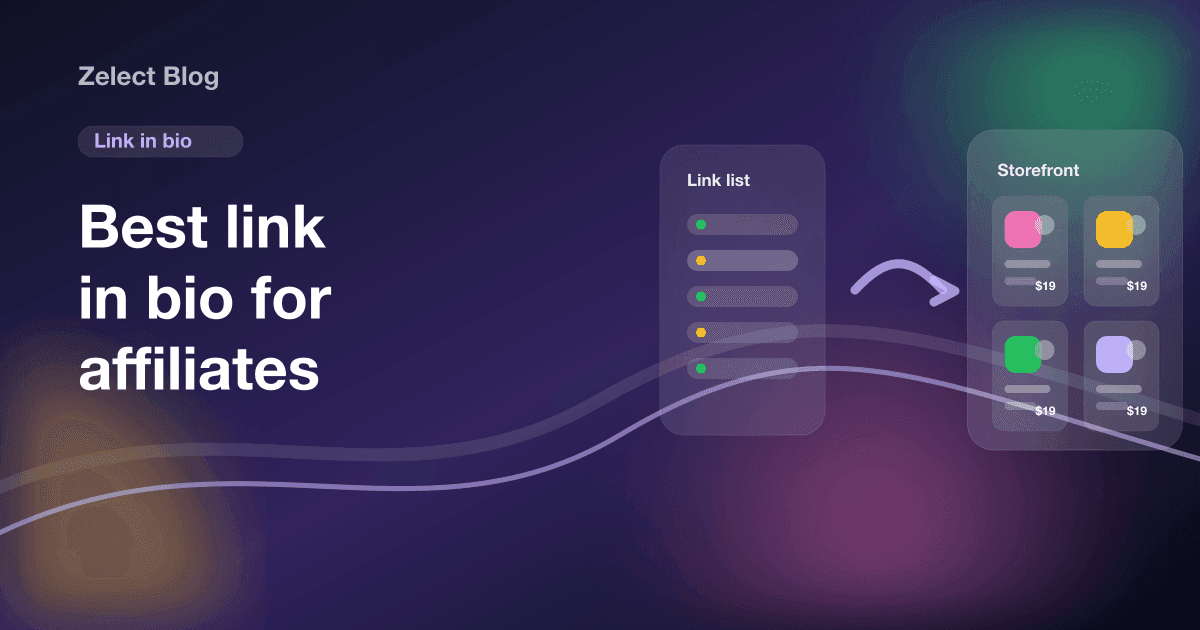
The best link in bio for affiliate marketing depends on what your page holds. If it's mostly products from several stores, a storefront tool like Zelect fits best. Linktree suits pages that mix products with other links. Beacons and Stan make sense when you also sell your own digital products, and Amazon's storefront when you only promote Amazon.
One disclosure before the details: Zelect is our product. Everything below about the other four tools comes from their official pricing and help pages, checked on October 9, 2026. Where a page didn't say something, we left it out.
What should affiliates look for in a link in bio tool?
Most link in bio tools were built for creators in general. Affiliate work has a few specific needs, so judge each tool on these points.
Product display. Can a visitor see a photo and a price before tapping? A text button that says "my desk setup" makes people guess.
Any store, not one. If you promote Amazon and Shopee, the tool has to accept both. Some storefronts only work with one retailer's catalog.
Deep links. Can you link a video description to one product or one category, instead of the homepage?
Click data. You need to know which products get tapped. Here's how to track affiliate link clicks even if your tool doesn't do it.
Real cost. That includes the monthly price, any transaction fee and the price of removing the tool's branding.
Disclosure space. You need a visible spot for "I earn a commission from these links." The FTC says a disclosure only on a profile page is likely to be missed, so this is in addition to disclosing in each post.
How do the five tools compare?
A summary from each tool's official pages. Prices change often, so treat this as a starting point and check the linked pages.
| Linktree | Beacons | Stan | Amazon storefront | Zelect | |
|---|---|---|---|---|---|
| Built for | Links of any kind | Creators selling their own products | Creators selling their own products | Amazon influencers | Affiliate product storefronts |
| Free option | Yes | Yes | 14-day trial | Free to join, approval required | Yes |
| Entry paid price | Varies by region | $10/mo | $29/mo | No paid plan | $4.90/mo |
| Products from any store | Yes, via Shop | As regular links | As external links | Amazon only | Yes |
| Fee on your own product sales | Not applicable to affiliate links | 9% on Free and Creator | 0% plus processor fees | Not applicable | No checkout, no fee |
| Branding removal | Pro and Premium | Creator Plus ($30/mo) | Not stated | Not applicable | Ultra |
Linktree: who is it best for?
Linktree fits when your page has to hold everything: a podcast, a newsletter, your latest video and some products. The Free plan includes unlimited links and basic analytics. Paid plans are priced by region in local currency, and Linktree's help center says you can hide the Linktree logo on Pro or Premium.
For products, Linktree has a Shop tab where you can add an affiliate link from any site with a photo and price, grouped into collections of up to 30 products. In the US only, Linktree Shops adds partner brands that pay commissions through Linktree.
Where it's weaker for heavy affiliate use: the help pages don't describe a separate page per product or several store links per product. If you have 80 products across five categories, a tab of collections gets long.
We wrote a longer, fair Linktree vs storefront comparison if Linktree is your current tool.
Beacons: who is it best for?
Beacons is built around selling your own things, like digital downloads and memberships, with a link in bio page on top. Its pricing help page lists four plans: Free, Creator at $10 a month, Creator Plus at $30 and Creator Max at $90.
The fee structure matters. Free and Creator users pay a 9% transaction fee on store sales. Creator Plus and Creator Max pay 0%. Removing the Beacons logo is a Creator Plus feature, and a custom domain is free for the first year on Creator.
For affiliate links, Beacons works as a link page: you add them as links. The transaction fee doesn't apply to affiliate purchases, since those happen on the retailer's site.
Pick Beacons if your income is split between your own digital products and affiliate links, and the digital side is growing.
Stan: who is it best for?
Stan is a creator store for courses and other digital products, with checkout built in. There's no free plan. Stan's pricing page lists Creator at $29 a month ($300 a year) and Creator Pro at $99 a month ($948 a year), with a 14-day free trial.
Stan charges a 0% transaction fee, though Stripe or PayPal processing fees still apply. It also lists external links and affiliate links as features, so you can mix affiliate recommendations into your store.
For a creator whose income is mostly affiliate commissions, $29 a month is a lot to pay for features you won't use. For a coach who sells a $200 program and also recommends a few books, Stan makes more sense than any of the others here.
If you're still working out where affiliate money comes from, our guide on how to make money with affiliate links covers the basics.
Amazon storefront: who is it best for?
Amazon's influencer storefront is a page on Amazon itself, at an address like amazon.com/shop/YourStorefrontName. Amazon Associates is free to join, but the Influencer Program asks applicants to meet Amazon's qualitative and quantitative thresholds.
The upside is trust. Shoppers are already on Amazon, signed in, with their address saved.
The limit is the catalog. The storefront shows Amazon products. If your audience also buys on Shopee, Mercado Livre or a brand's own site, those links need to live somewhere else.
Pick it if you only promote Amazon and you qualify. You can run it alongside a multi-store page. Our Amazon storefront alternative guide compares the two setups.
Zelect: who is it best for?
Zelect is a product storefront for affiliates. Each product is a card with a photo and a buy button that sends the visitor to the store where you have the affiliate link. Categories have their own pages and URLs, and so does every product, so you can link a video straight to the item. A product can carry several labeled links, like "Amazon" and "Shopee".
Pasting a Shopee or Mercado Livre URL fills in the product details, and AliExpress works the same way. Other stores work when their page exposes standard product metadata; otherwise you type the fields.
Zelect takes no commission and has no checkout. The Free plan covers one storefront with 25 products and 3 categories. Pro adds more storefronts and products. Ultra adds click analytics and a custom domain, and removes branding. Plan details are on the Zelect pricing page.
What it doesn't do: sell your own digital products, or pay partner commissions. You bring your own affiliate programs. The storefront setup guide shows how it works step by step.
Which one should you pick?
Start from what your page mostly holds.
- Mostly products from several stores: a storefront tool like Zelect. If the idea is new, read what an affiliate storefront is first.
- A mix of products and other links: Linktree, with its Shop tab.
- Your own digital products plus some affiliate links: Beacons or Stan, depending on budget and fees.
- Only Amazon, and you qualify: the Amazon storefront, alone or next to a multi-store page.
Whatever you choose, the tool matters less than what you put in it and how often you point people to it. These ways to get more bio link clicks work on any of the five.
Your next step: open your bio page and count how many links are products. That number tells you which row above is yours.
Frequently asked questions
Can I put affiliate links directly in my bio without any tool?
You can paste one affiliate link straight into your bio, but you only get one. Every time you post a new product you'd have to swap it, and old posts would point to the wrong item. A link in bio tool gives you one stable address that can hold every product.
Do link in bio tools take a cut of affiliate commissions?
For links you bring yourself, the tools in this list don't take a share of the commission. The retailer pays you directly. Fees show up elsewhere: Beacons charges a transaction fee on its own store sales on lower plans, and Linktree's partner Shops program pays you through Linktree.
Should I use a short link or a link in bio tool?
They solve different problems. A short link points to one product and is handy in a caption or a video description. A link in bio page holds many products behind one address. You can use both: the bio page in the profile and direct product links in posts.
Is it a problem to switch tools later?
Your bio link is easy to change, but old posts keep pointing to the old address. Keep the old page live for a while with a link to the new one, and update the captions on your most-viewed posts. Pick a tool you expect to keep for a year if you can.