Pinterest Affiliate Marketing: How to Add Links to Pins
Published 4 min read
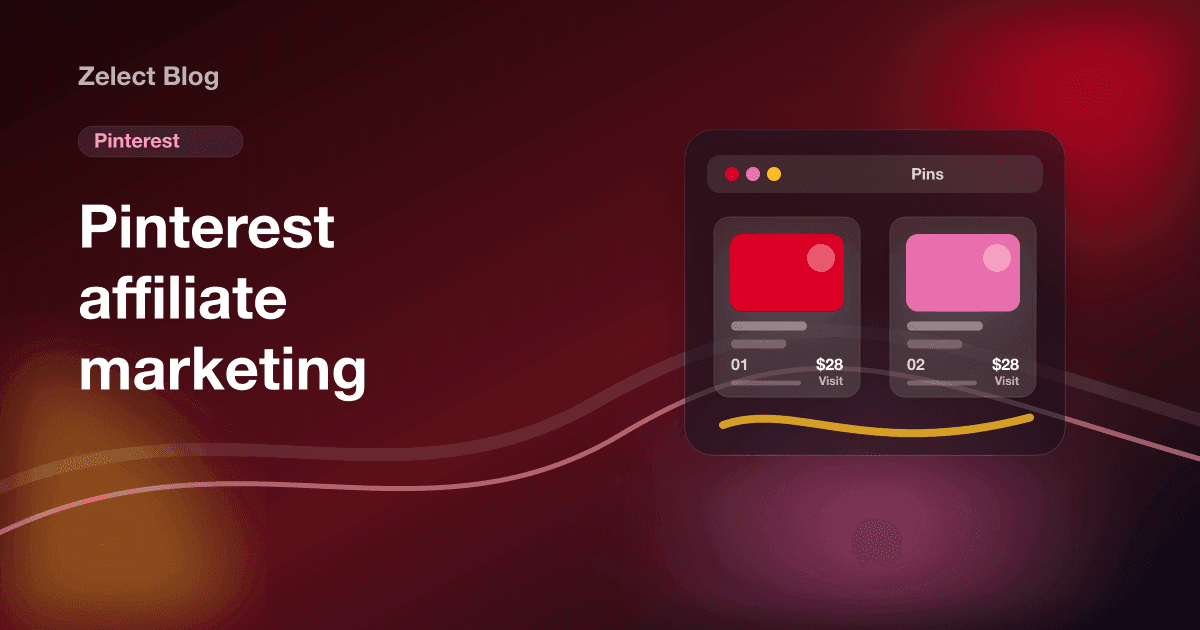
Pinterest affiliate marketing means creating Pins that link to products with your affiliate link, so you earn a commission when someone clicks through and buys. It's allowed: the platform's creator guide says to generate a product link with your affiliate provider and use it as the Pin's destination, pointed straight at the product page, with a clear disclosure that the link earns you money.
The network works differently from Instagram or TikTok. Every Pin can carry its own link, people come to the app to plan purchases, and a Pin can keep sending traffic long after you post it. That makes it one of the few networks where an affiliate link sits right on the content.
The rules below come from Pinterest's affiliate link basics, its Commercial and Branded Content Guidelines and its Community Guidelines, checked October 2026.
What are Pinterest's rules for affiliate links?
Pinterest allows affiliate links and says they help creators get paid for their work. It also sets limits:
| Pinterest says | What it means for you |
|---|---|
| Be transparent about the commercial nature of your content | Disclose in every affiliate Pin |
| The link should go directly to a shop's product detail page | No landing pages or redirect chains on product Pins |
| Some shortener services are not currently supported | Use the full affiliate link |
| Use affiliate links in moderation | Don't flood boards with near-identical affiliate Pins |
| Don't redirect existing Pins to new destinations | Don't swap the link on an old popular Pin for a different product |
| Operate only one account | No extra accounts to save your own Pins |
Pinterest also bans asking other users to save your affiliate Pins in exchange for something, or to create Pins with your affiliate ID. Its Community Guidelines add that "Pinners should be able to reasonably anticipate where your link will take them."
How do you put affiliate links on Pinterest, step by step?
- Switch to a business account. It's free and gives you Pin analytics. Your profile can also show a link to your website.
- Join an affiliate program that allows Pinterest. Read the program's terms on social media. Our list of affiliate programs for creators is a good starting point.
- Generate the product link. Create the affiliate link for the exact product in your program's dashboard.
- Create the Pin. Use a vertical image or video of the product in use. Write a title and description with the words people search for, like "small desk lamp for dorm room."
- Paste the affiliate link as the destination. Put it in the link field of the Pin. Pinterest asks that the title and description match what's on the product page.
- Add the disclosure. Write it at the start of the description: "I earn a commission if you buy through this link."
- Pin it to a relevant board. Boards named for what people search, like "Small apartment kitchen ideas," help the Pin get found.
- Check your links every month. Products sell out and links break. Pinterest suggests you check for broken or outdated links.
How should you disclose affiliate links on Pinterest?
Pinterest's guidelines say paid partnerships must disclose their commercial nature and suggest labels like #ad. For affiliate Pins, the FTC's guidance for the US is the safer benchmark: the FTC's influencer guide says to put the disclosure with the endorsement, in plain words, not mixed into hashtags.
A good Pin disclosure is short and comes first:
- "Affiliate link: I earn a commission if you buy."
- "I get paid a commission for purchases through this Pin."
If a brand paid you for the Pin, use Pinterest's paid partnership label as well. That tool is for sponsorships, and it doesn't replace a disclosure for affiliate links.
What makes affiliate Pins get clicks?
Pinterest is a search engine for ideas, so think in searches, not followers.
- Show the product in context. A lamp on a desk at night beats a white-background product shot.
- Make one Pin per idea. "5 desk upgrades under $30" and "the lamp I use" are two Pins, each with its own link.
- Write for search. Titles like "Cozy reading nook ideas" match what people type.
- Pin for the season early. People plan gifts and holidays ahead. Our affiliate content calendar maps the year.
Gift guides also do well as Pins. Our guide on how to make a gift guide with affiliate links shows how to build one.
Where does a storefront fit with Pinterest?
On product Pins, follow Pinterest's guidance and link directly to the product page. A storefront fits on your profile link, where people who like several of your Pins go to see everything you recommend.
Zelect is our product, and that's the job it does. You paste product links from Amazon, Shopee, AliExpress or most other stores, and Zelect builds a page of product cards with photos and prices, grouped into categories with their own links. Put your storefront address in your Pinterest profile, and the same link works in your Instagram and TikTok bios. Zelect takes no commission, and the Free plan holds 25 products in 3 categories.
What it won't do: create Pins, schedule them or report Pinterest analytics. For Pin performance, use Pinterest's own analytics.
Your next step: pick five products you already recommend, make one Pin for each with a direct affiliate link and a disclosure, and create a free Zelect storefront for your profile link so new followers can find the rest.
Frequently asked questions
Can you put affiliate links on Pinterest?
Yes. Pinterest's own creator guide says to generate a product link with your affiliate provider and use it as the Pin's destination link. Its Commercial and Branded Content Guidelines allow affiliate links, ask you to be transparent about them and to use them in moderation.
Do I need a website for Pinterest affiliate marketing?
No. A Pin can link straight to the product page with your affiliate link, so you don't need a blog in between. A website or storefront still helps for the link on your profile, where people go to see everything you recommend.
How do I disclose affiliate links on Pinterest?
Put a plain statement in the Pin itself, such as "I earn a commission if you buy through this link," near the start of the description. Pinterest asks for a clear disclosure of commercial content, and the FTC says a disclosure only on your profile is likely to be missed.
Which affiliate programs work on Pinterest?
Pinterest isn't part of affiliate agreements, so it depends on each program's terms. Pinterest's community team has named Rakuten, LTK, ShopStyle and Amazon Associates US as partners, and Amazon's Influencer Program accepts Pinterest accounts. Always read your program's rules on social media traffic first.
Can I use a link shortener on Pinterest?
Be careful. Pinterest says some shortener services aren't supported, and its community guidelines say shorteners abused for spam may be blocked. Use the full affiliate link your program gives you whenever you can.